


 Math by Cylin · Ages 5 to 11
Every fact starts as a picture
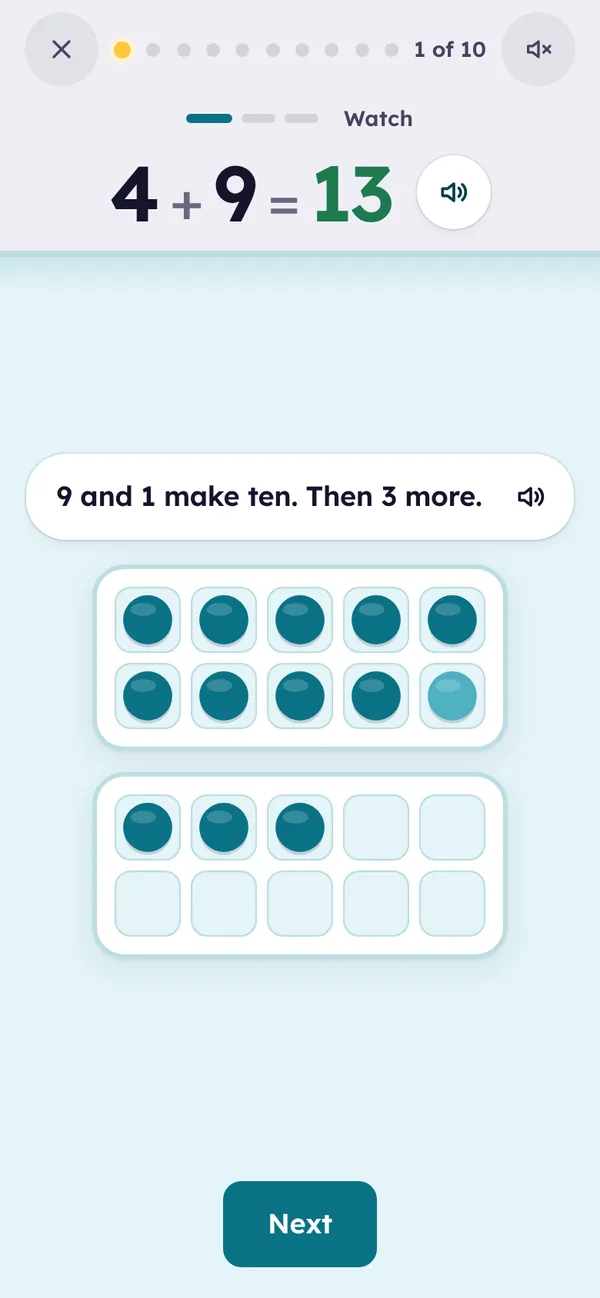
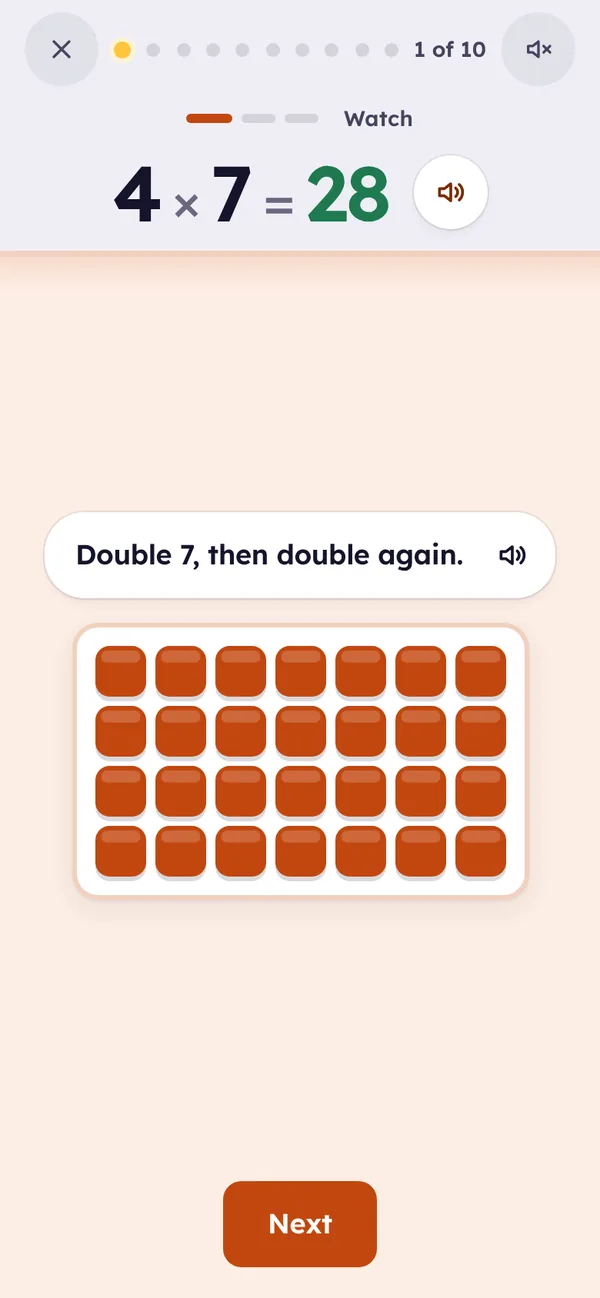
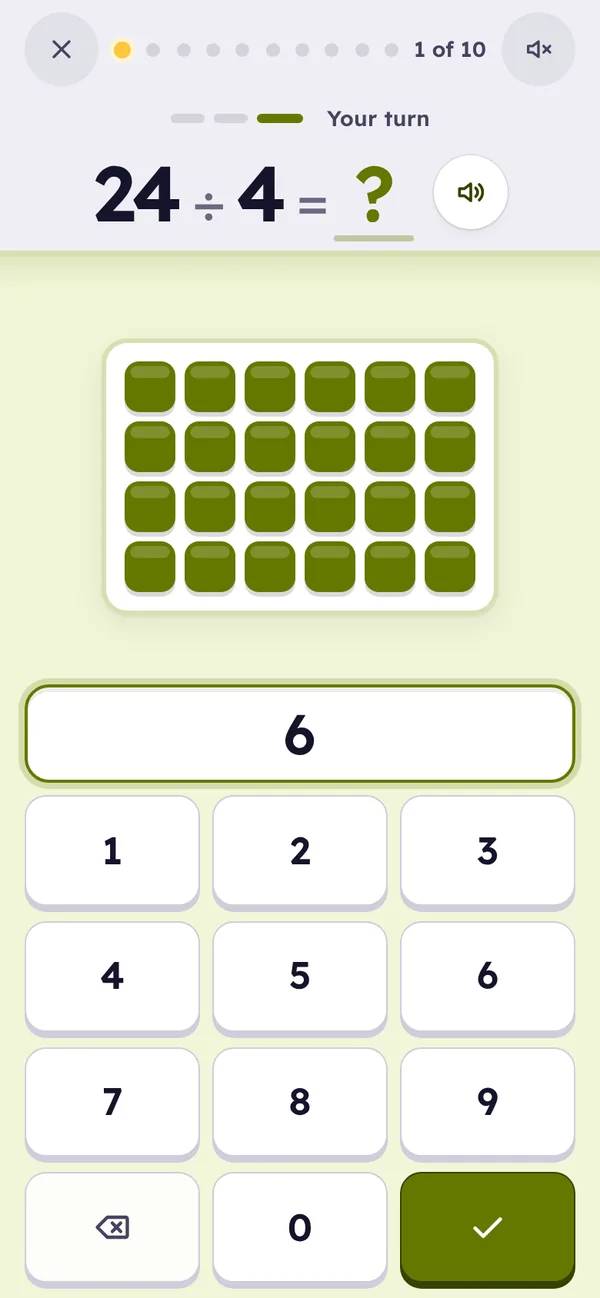
Addition and subtraction to 20, then multiplication and division to 12 × 12. A new fact is met as counters in ten frames or rows of tiles, gets a strategy, and is practiced in three-minute sessions until it comes in seconds. What a child learns in one app carries into the next, and onto paper.




In what order
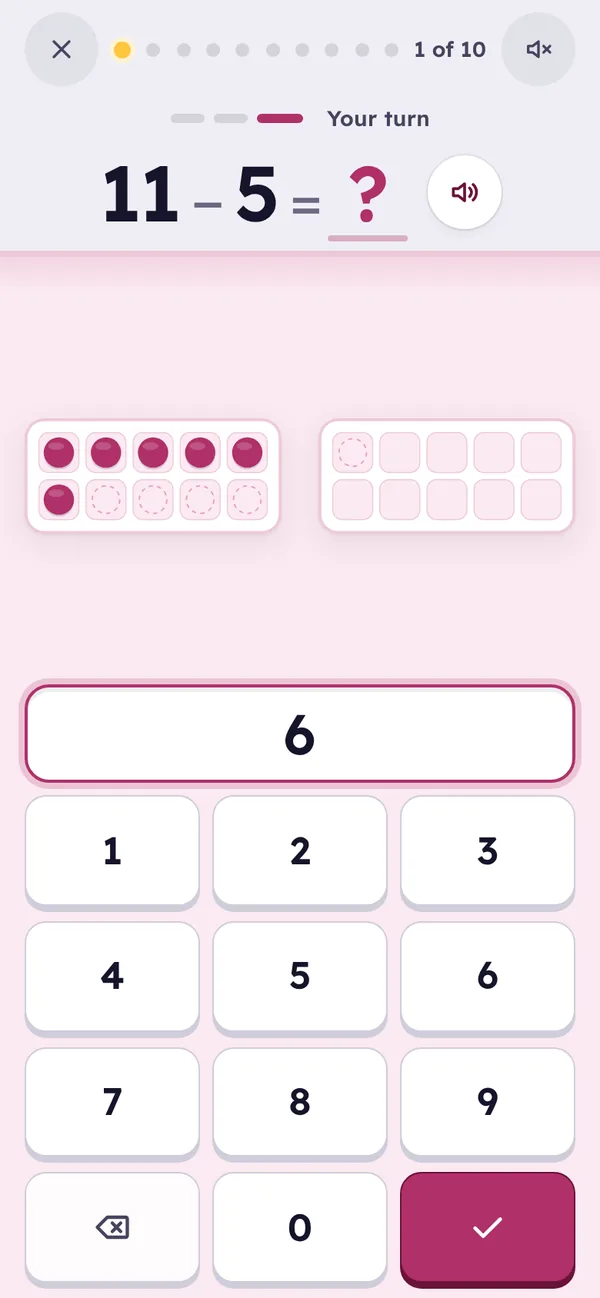
Addition, then Subtraction. Both cover the same 121 facts (numbers 0 to 10, totals to 20), and Subtraction’s hints lean on addition: 9 − 4 is “think addition: 4 + 5 = 9”.
Multiplication, then Division. Both cover 144 facts to 12 × 12, and every division hint leans on a times table: 7 × 8 = 56, so 56 ÷ 7 = 8.
A child can start wherever they are. A short placement check comes first, facts they already know move up on their own, and each app’s grid shows what is left.
The same way to learn
The four apps share one learning engine and one set of screens. A new fact is met with a full picture, then the picture is there on request, then the equation alone, then fast, spaced, mixed practice. A fact moves up only when it is answered right, quickly, and when it is due. A miss brings it back a few cards later, never with a buzzer.
Sessions are about three minutes and ten questions. Quick practice, Learn a number, Mixed practice, Review and Fast facts open up as the grid fills.
And on paper
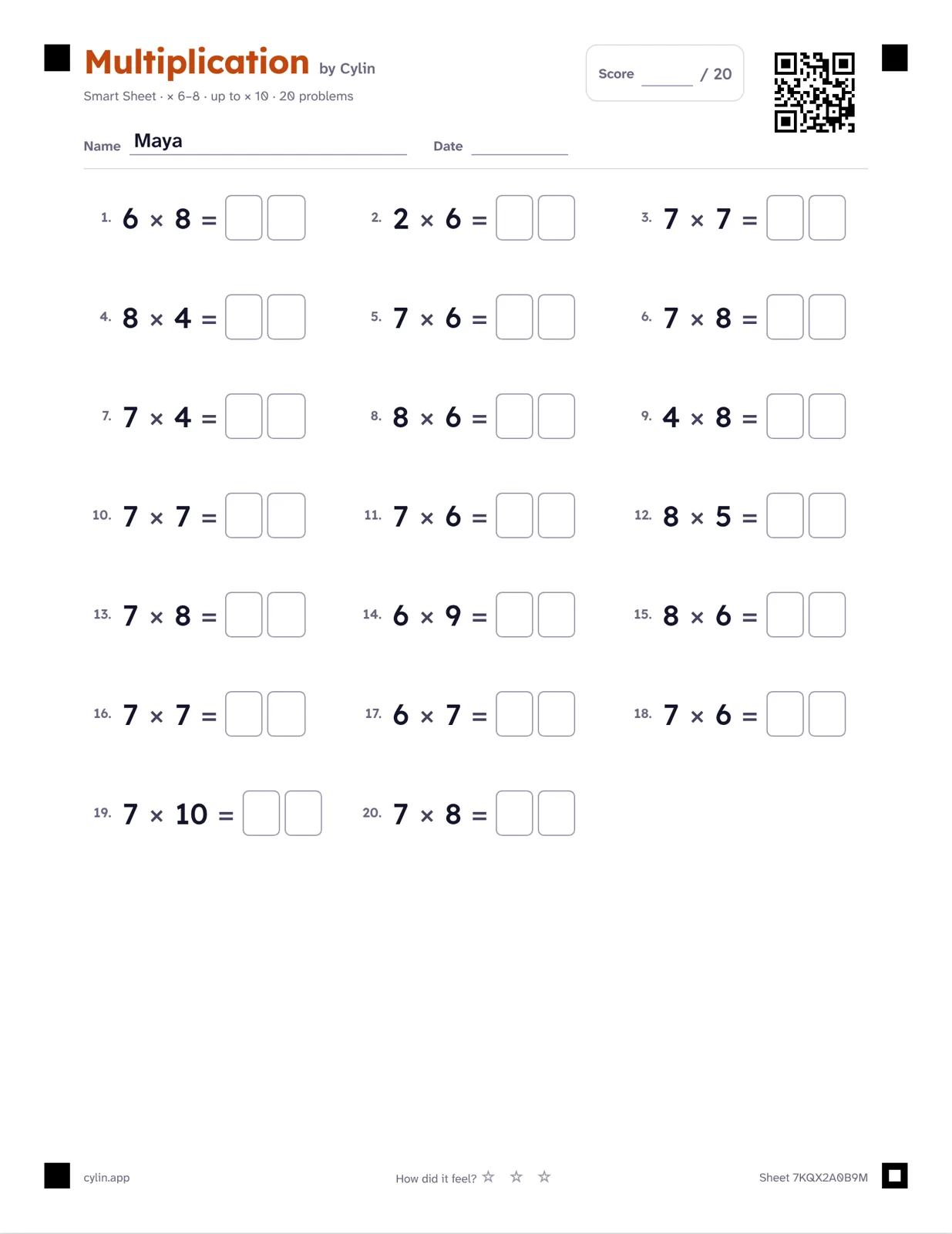
- Every math app links to Smart Worksheets in Cylin Hub: a printed sheet built from the facts your child finds hard, marked from your phone.
- Carrying and borrowing when they’re ready, remainders and long division off by default, large print for the youngest.
- Photograph a finished sheet and it’s graded for you, on your phone. It asks you about any answer it isn’t sure of before saving.