

Piano Practiceby Cylin
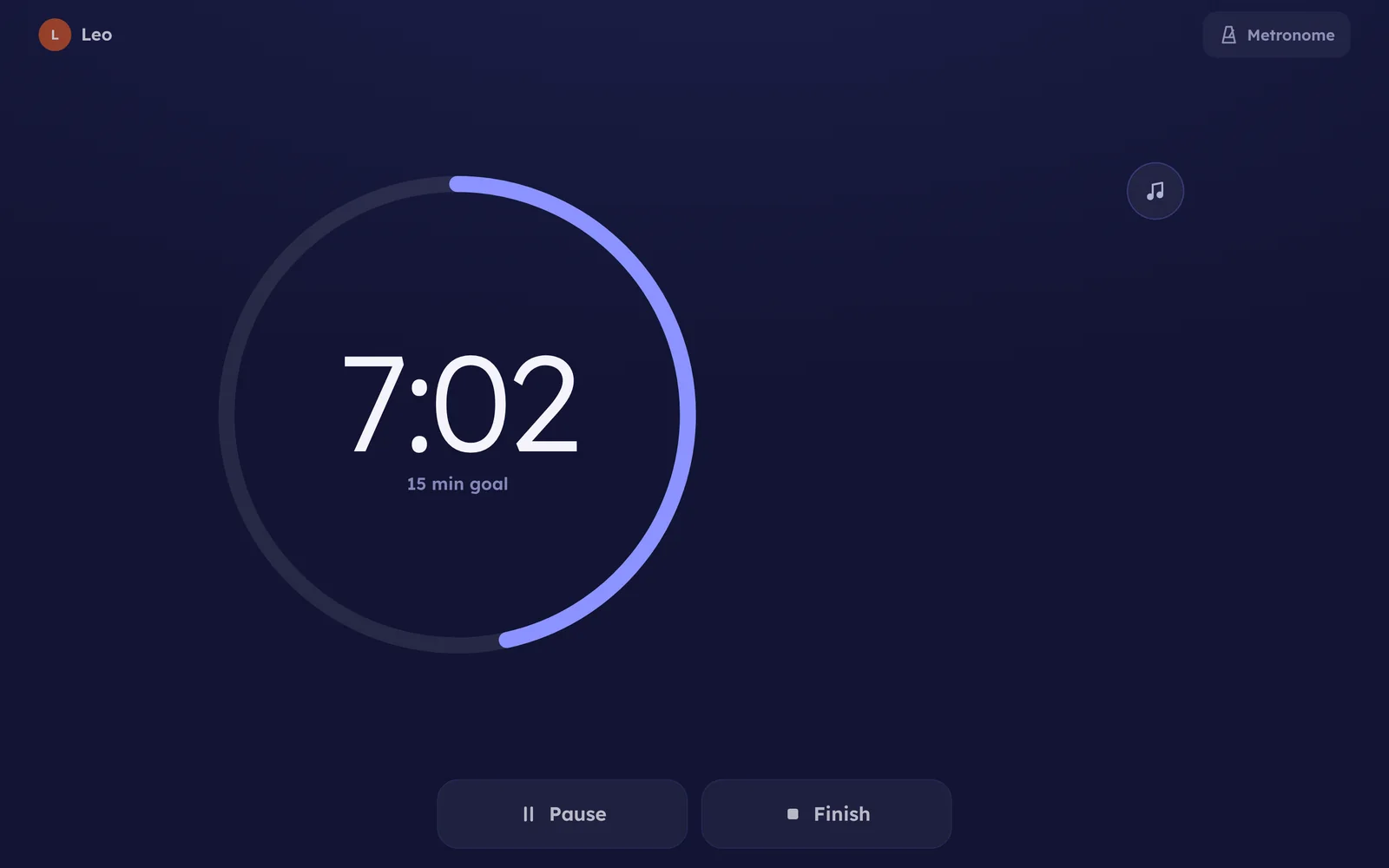
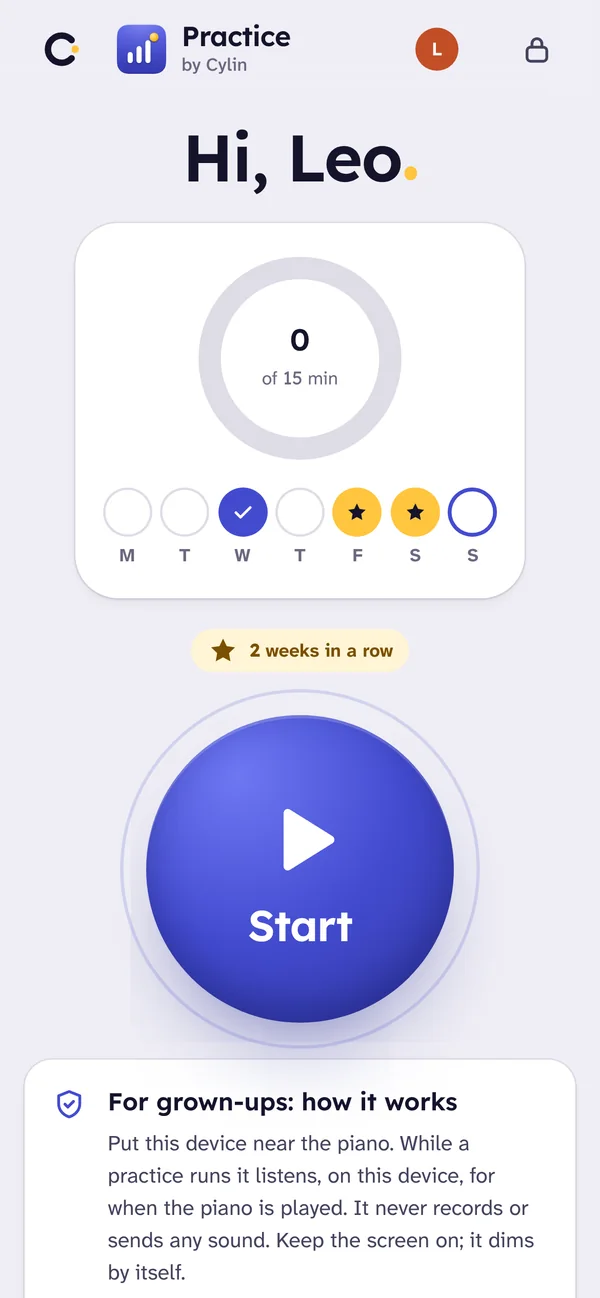
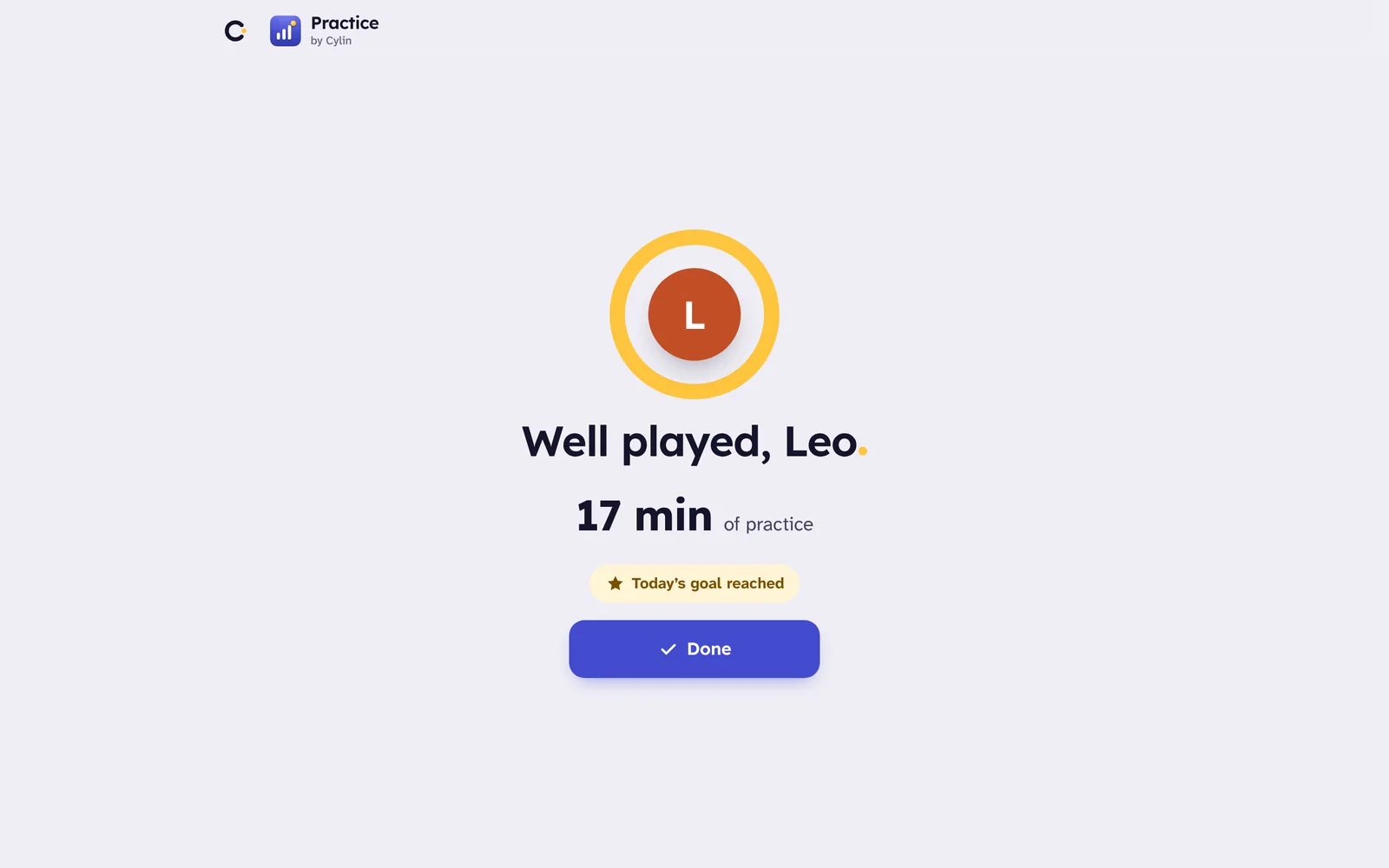
One big button. A child taps it and practices. The app listens for the piano and keeps the time, so the week in the Hub includes the piano.
Honest about what it heard
- Practice time is the measure. The clock runs from Start to Finish, minus pauses. That is what goals, records and the Hub count.
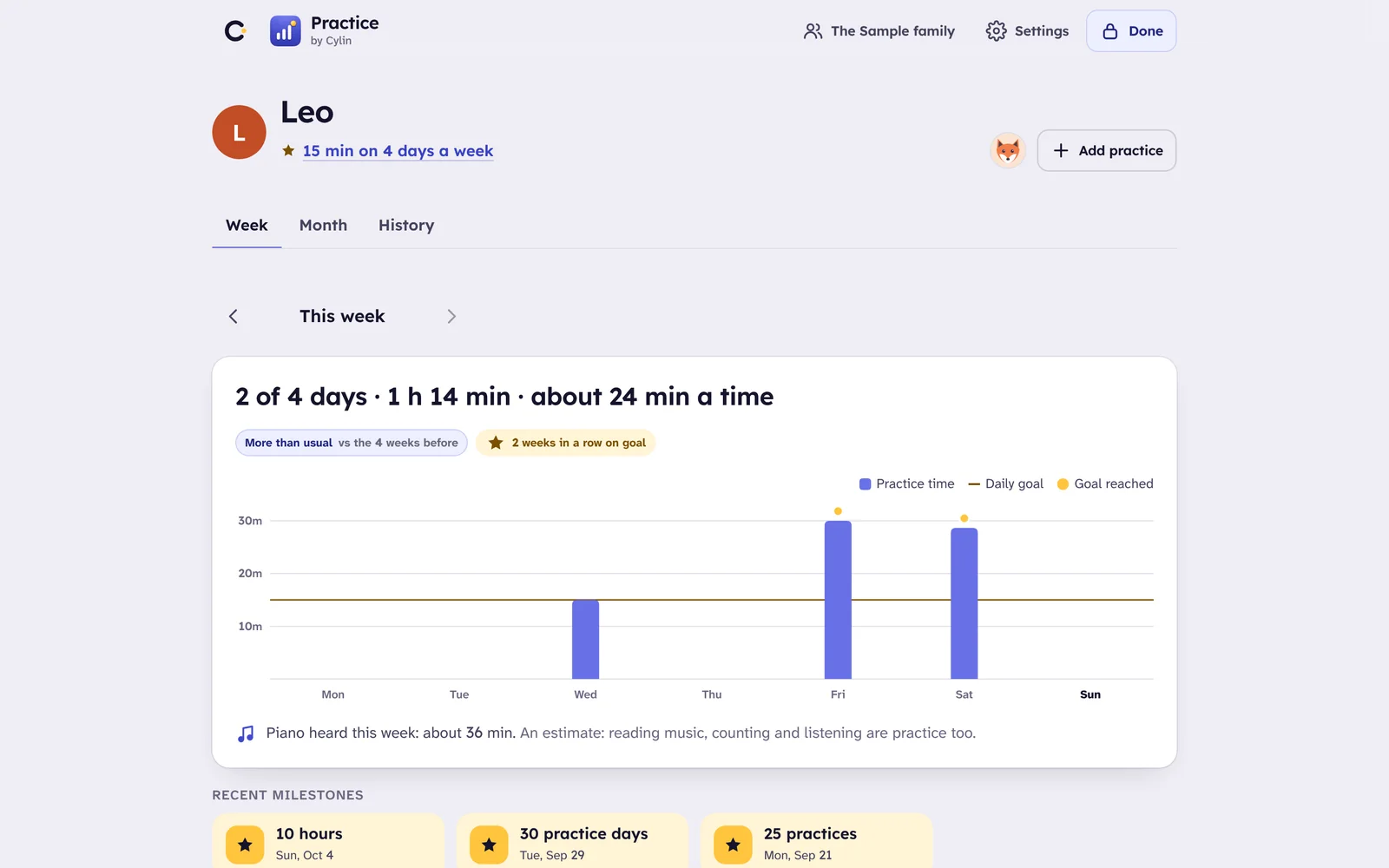
- Piano heard is an estimate, worked out on the device about a second at a time, and shown to parents in words: “about 20 minutes of piano”. Children see minutes, not judgment.
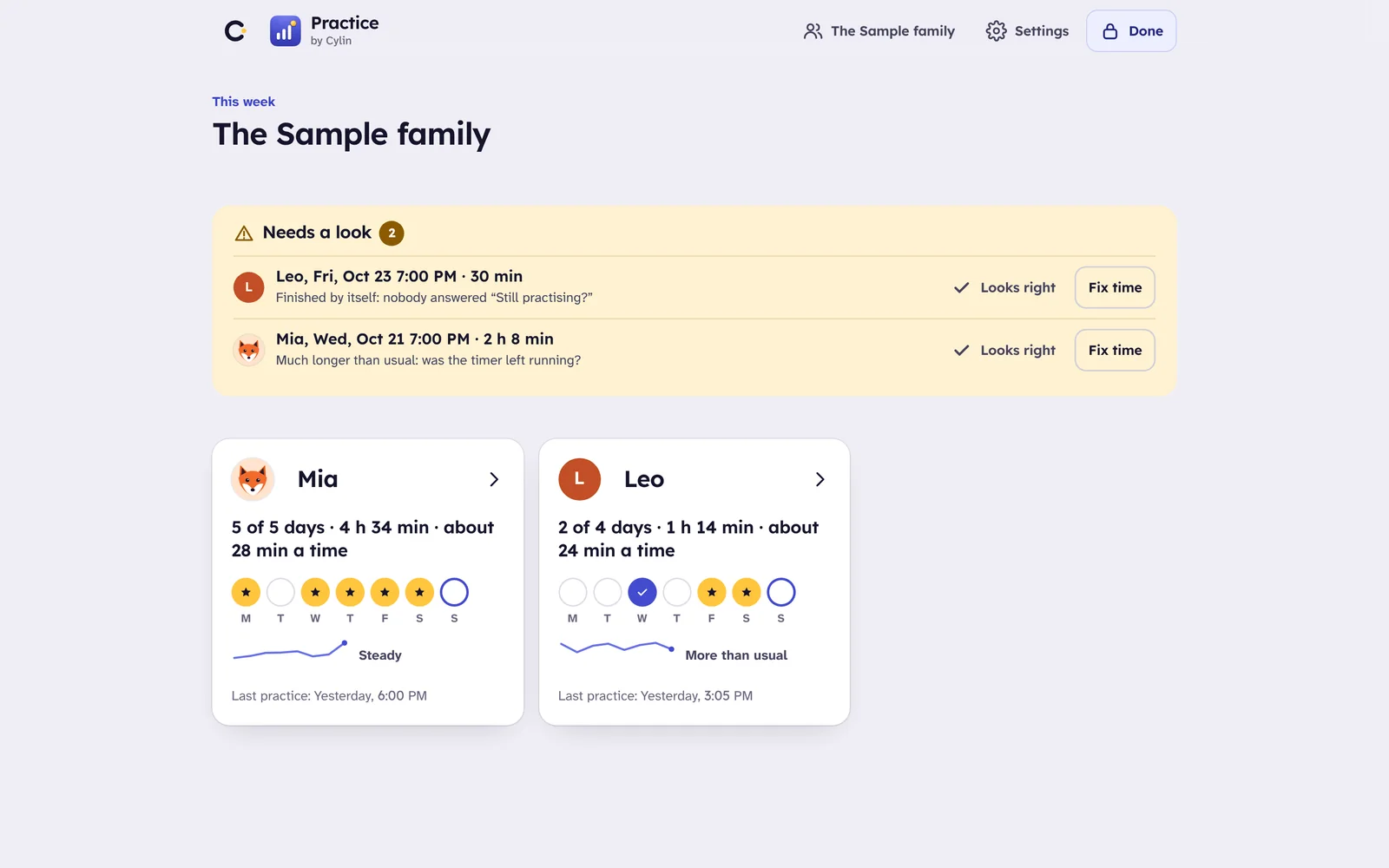
- Time it couldn’t hear is marked as such, never filled in. If the screen locked or the microphone was refused, the record says so. A parent can correct or delete any session, or add one the app missed.
- Gentle goals. Minutes per practice day and days per week, with breaks for vacations and illness. A missed day is never shown as a failure.
How it works
It listens on the device and keeps no audio. While a session runs, the app analyzes about a second of sound at a time and decides one thing: is a piano playing? Nothing is stored, uploaded or transcribed, and it listens only during a practice someone started.
Rests still count. A few seconds between notes are part of playing. Talking, silence and other sounds count as practice time, never as piano heard.
It knows when nobody is there. After half an hour with no piano and no tap it asks “Still practicing?”, and ends the session kindly if nobody answers. Sessions under a minute aren’t saved.
Parents see the day, the week, the month and the long run, set goals and rest days, and correct anything the app got wrong. In Cylin Hub, each practice shows beside the other apps with its minutes.
Questions
Does it work with headphones on a digital piano?
The microphone can’t hear a piano on headphones, so that time counts as practice but not as piano heard. Practice time is what goals use, so nothing is lost.
Will it hear the TV or a recording as piano?
Piano from a speaker sounds like piano to it, and a guitar or xylophone occasionally does too. That is why piano heard is shown as an estimate, in words, and only to parents.
Does the screen have to stay on?
Yes. It is a web app, and browsers stop the microphone when the screen locks. The practice screen keeps the device awake and dims itself to save the battery.
What does Cylin Hub show?
Each practice, with its minutes, in the child’s week beside the other apps. The Hub works out days practiced and time; the detailed week, month and history live in the app’s parent area.
Two apps, one piano
Piano Sight Reading teaches reading the notes on the staff. Piano Practice listens while your child practices and keeps an honest count of the time. One family account opens both.
 Piano Sight ReadingAges 6–12
- Piano PracticeAges 5–14You’re here