

Piano Sight Readingby Cylin
A note appears on the staff. Your child plays it on a real piano, and the game answers. Reading and playing are learned together, which is what sight reading is.
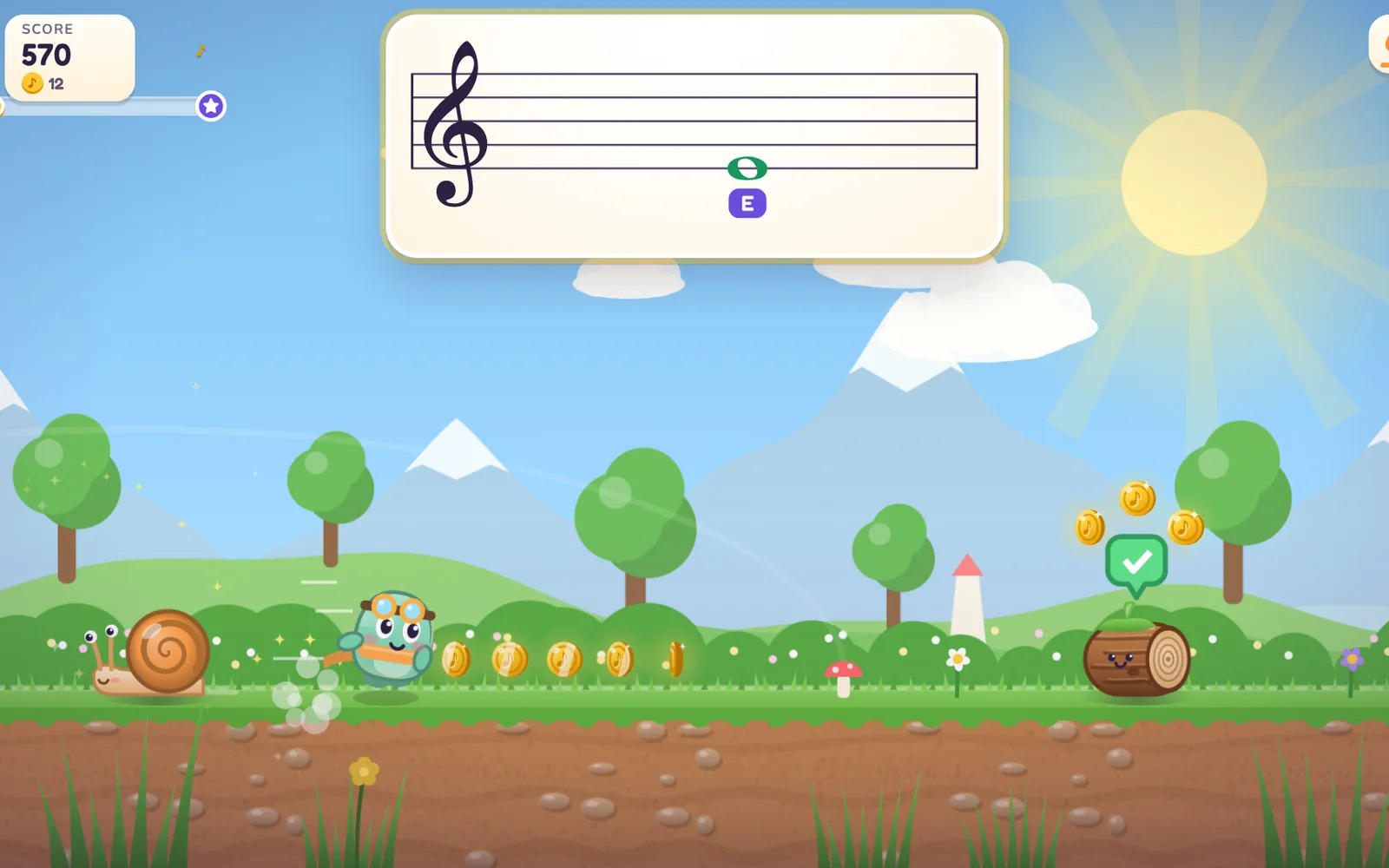
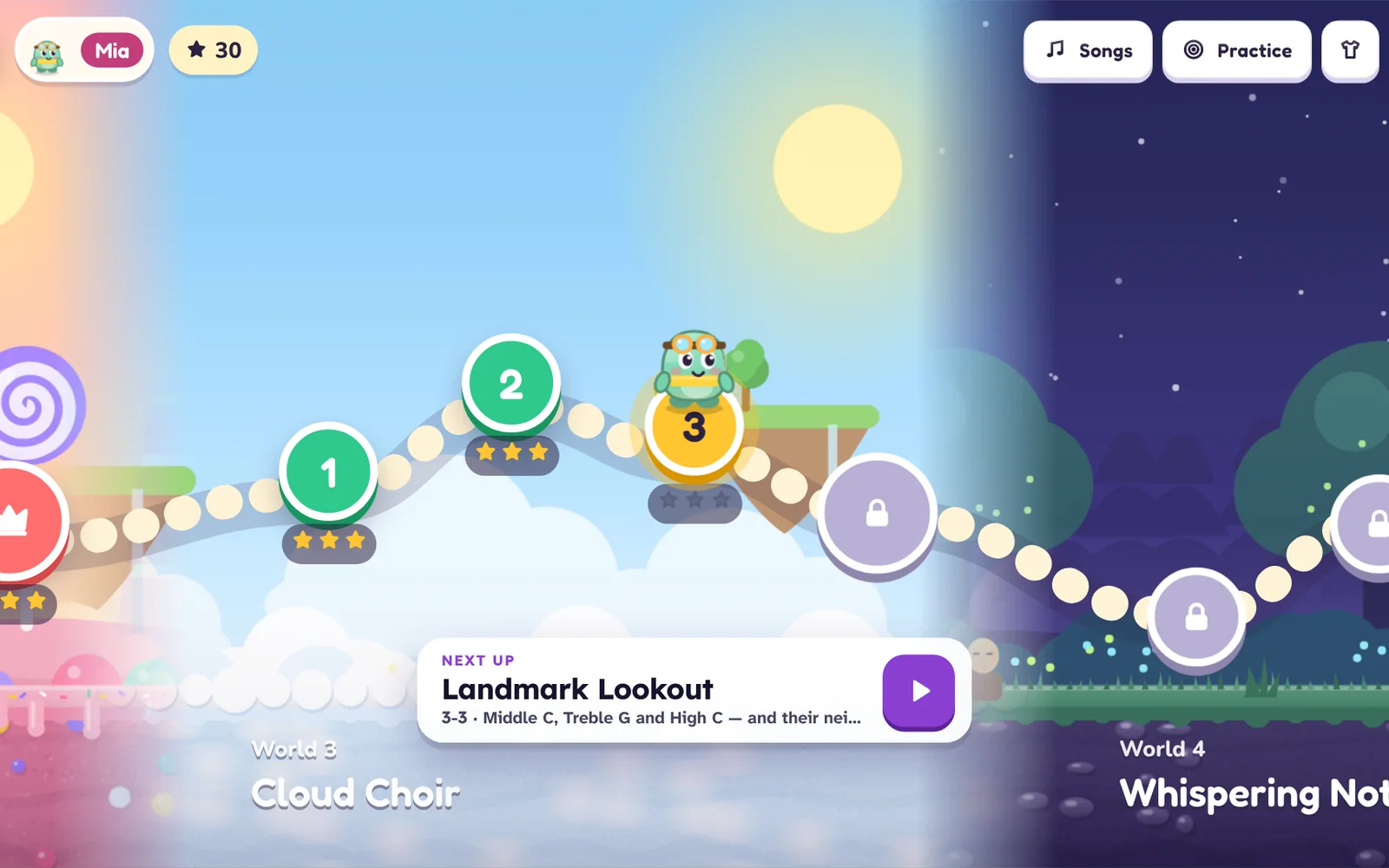
Six worlds, 24 levels
- Sunny Sonata Meadow starts at Middle C with steps and skips; Candy Rhythm Canyon brings in the bass clef.
- Cloud Choir and Whispering Note Forest cover the whole treble and bass staves.
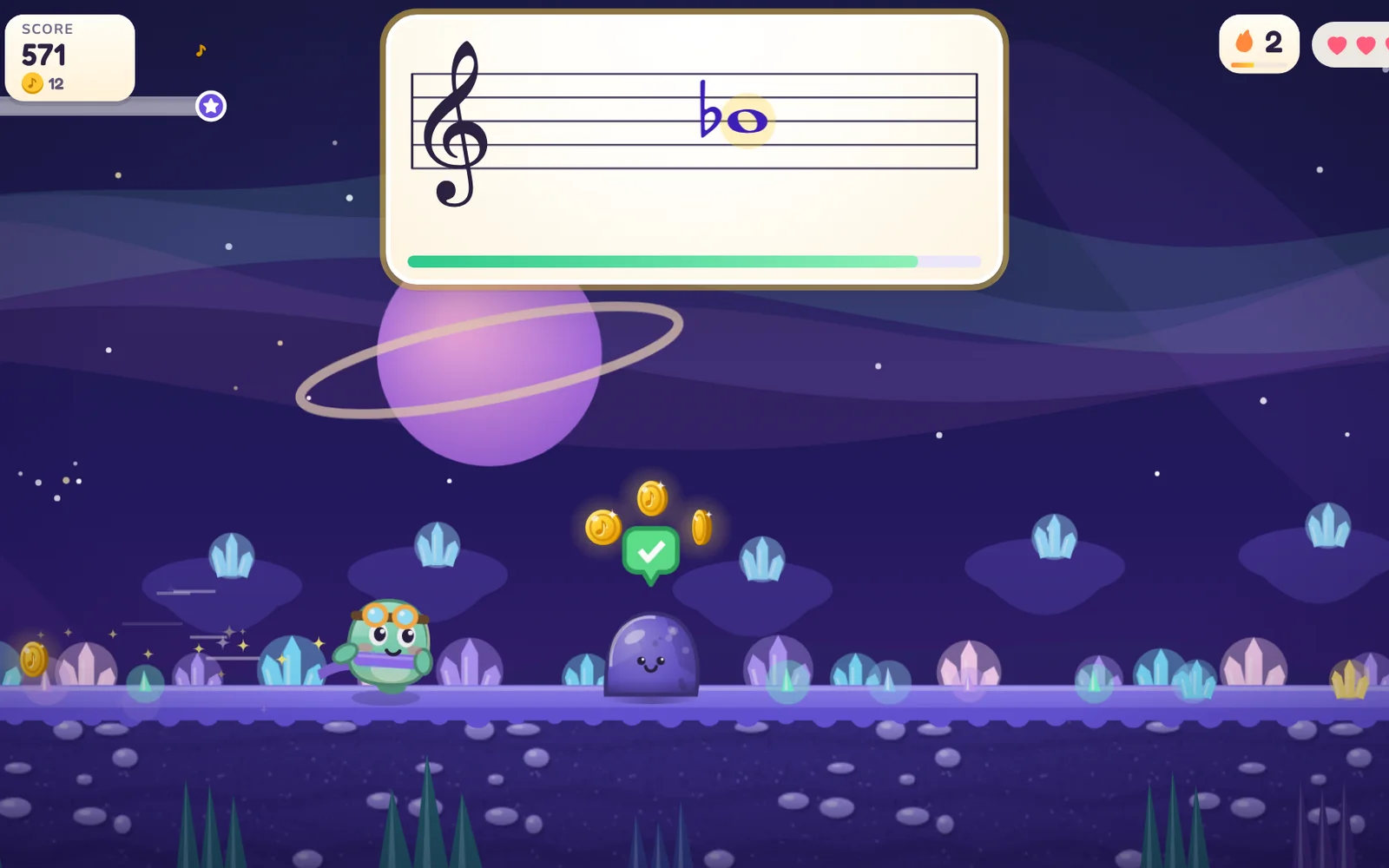
- Clockwork Symphony adds ledger lines, sharps, flats and the grand staff; Starlight Orchestra reads intervals and melodies.
- A boss at the end of each world: Grumble Cloud, Gumdrop Giant, Storm Conductor, Moon Moth, Robo-Maestro and the Silent Star.
- Microphone
- USB MIDI
- Computer keys
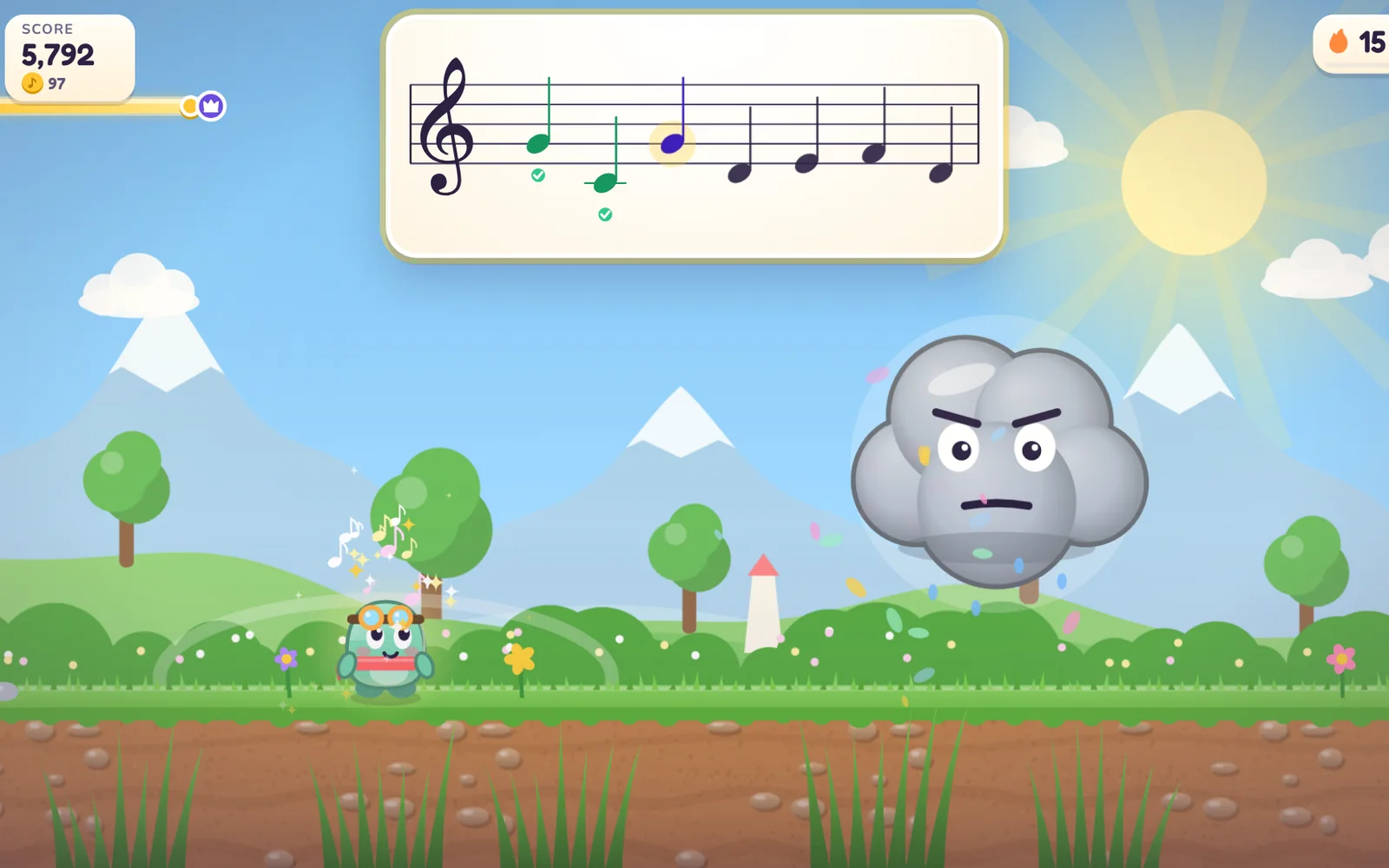
Photograph a page. Play it on your piano
Practice at home can match what the teacher set. Point the camera at a page of the lesson book, check the notes it found, and play.
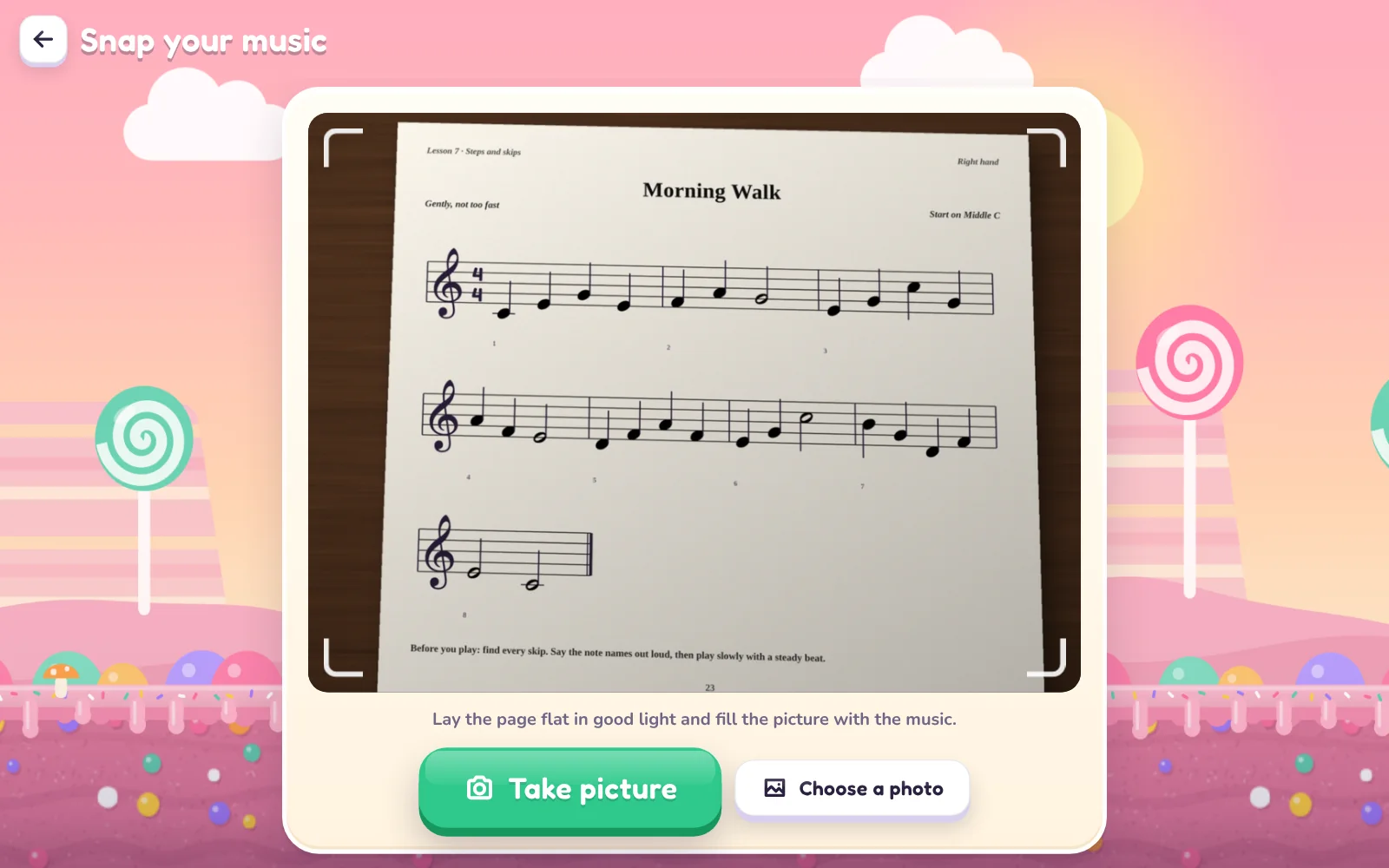
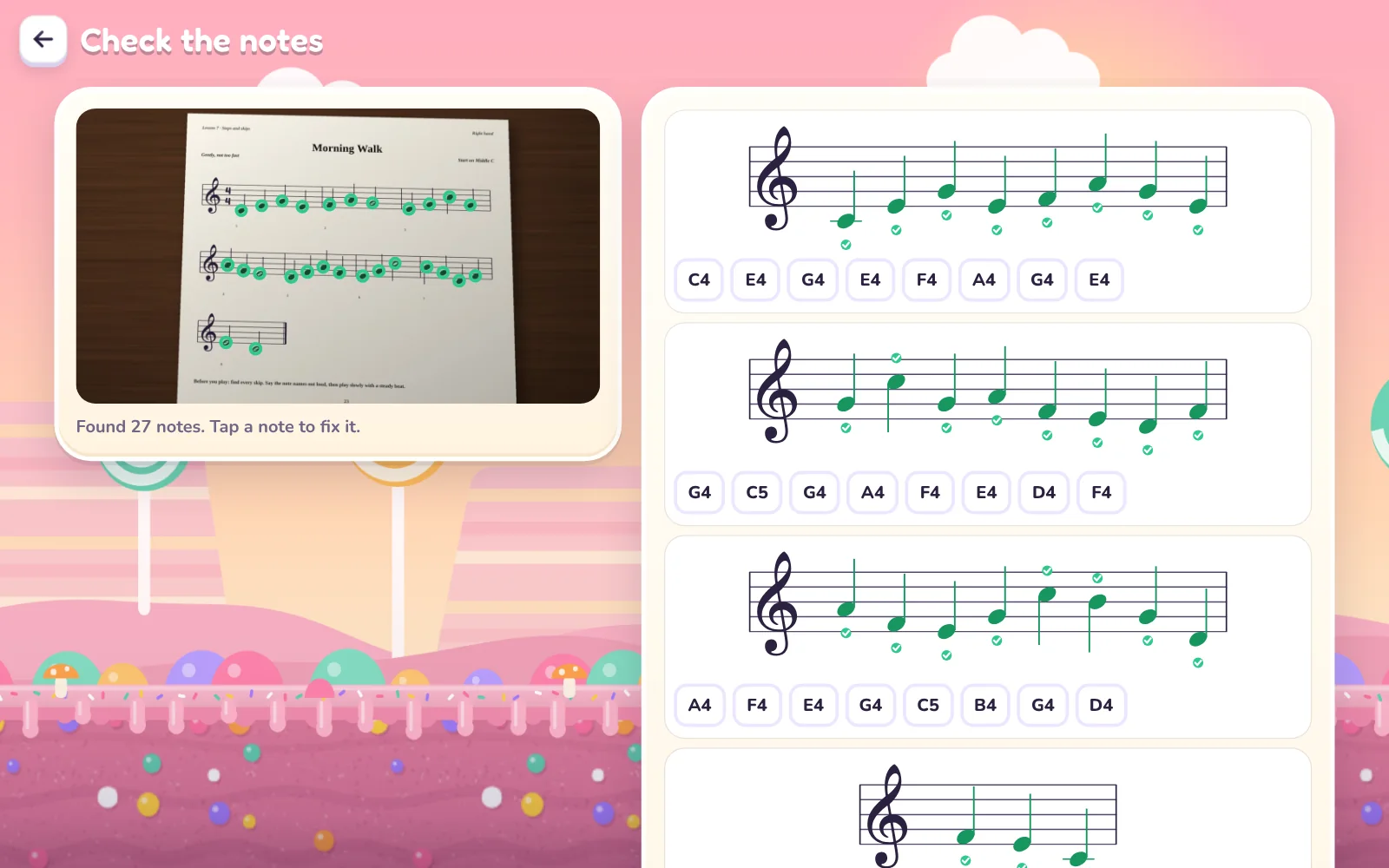
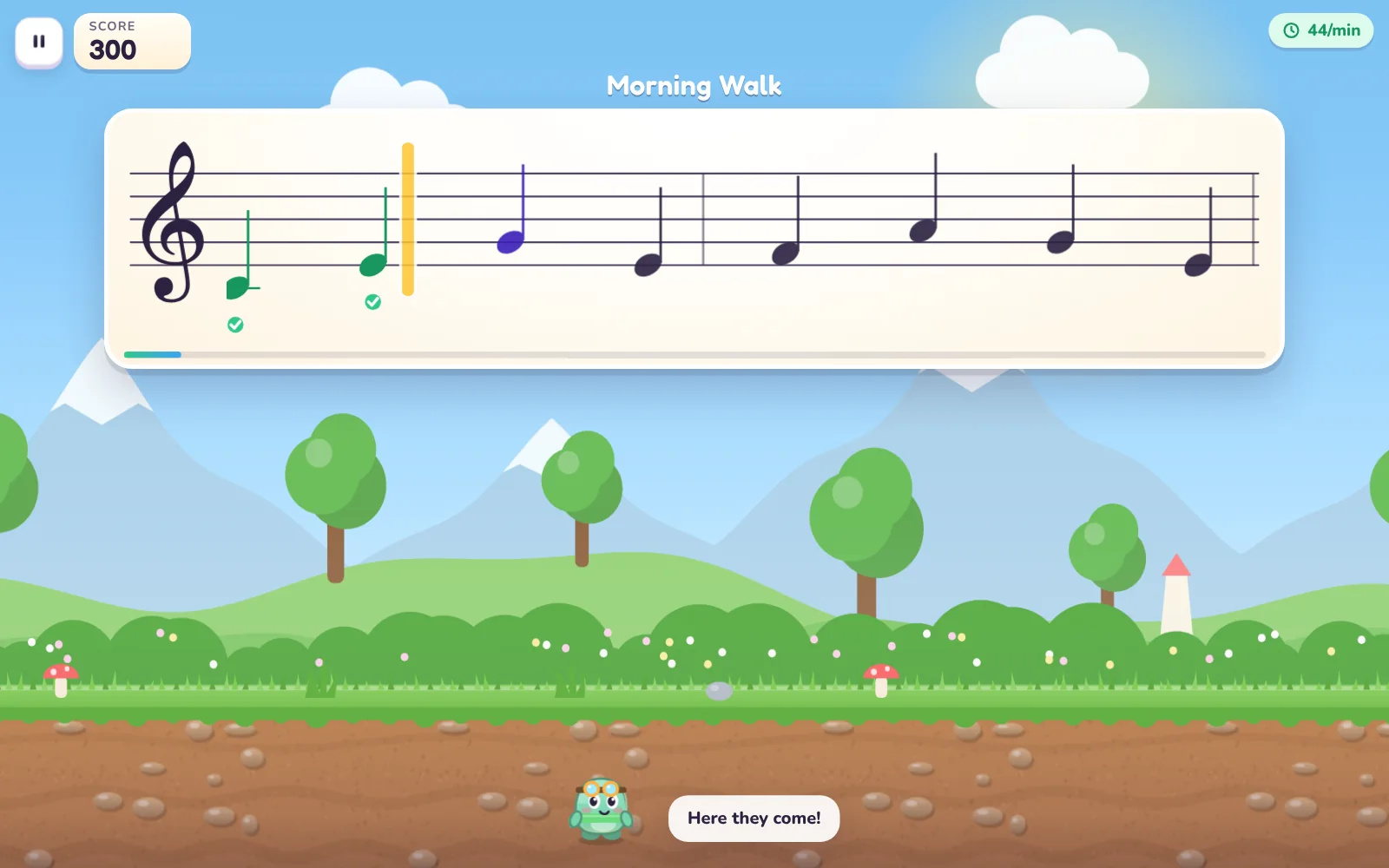
The scanner reads pitches from treble, bass and grand staves, with key signatures and accidentals. It does not read rhythm. The whole thing runs on the device; the photo is never uploaded.
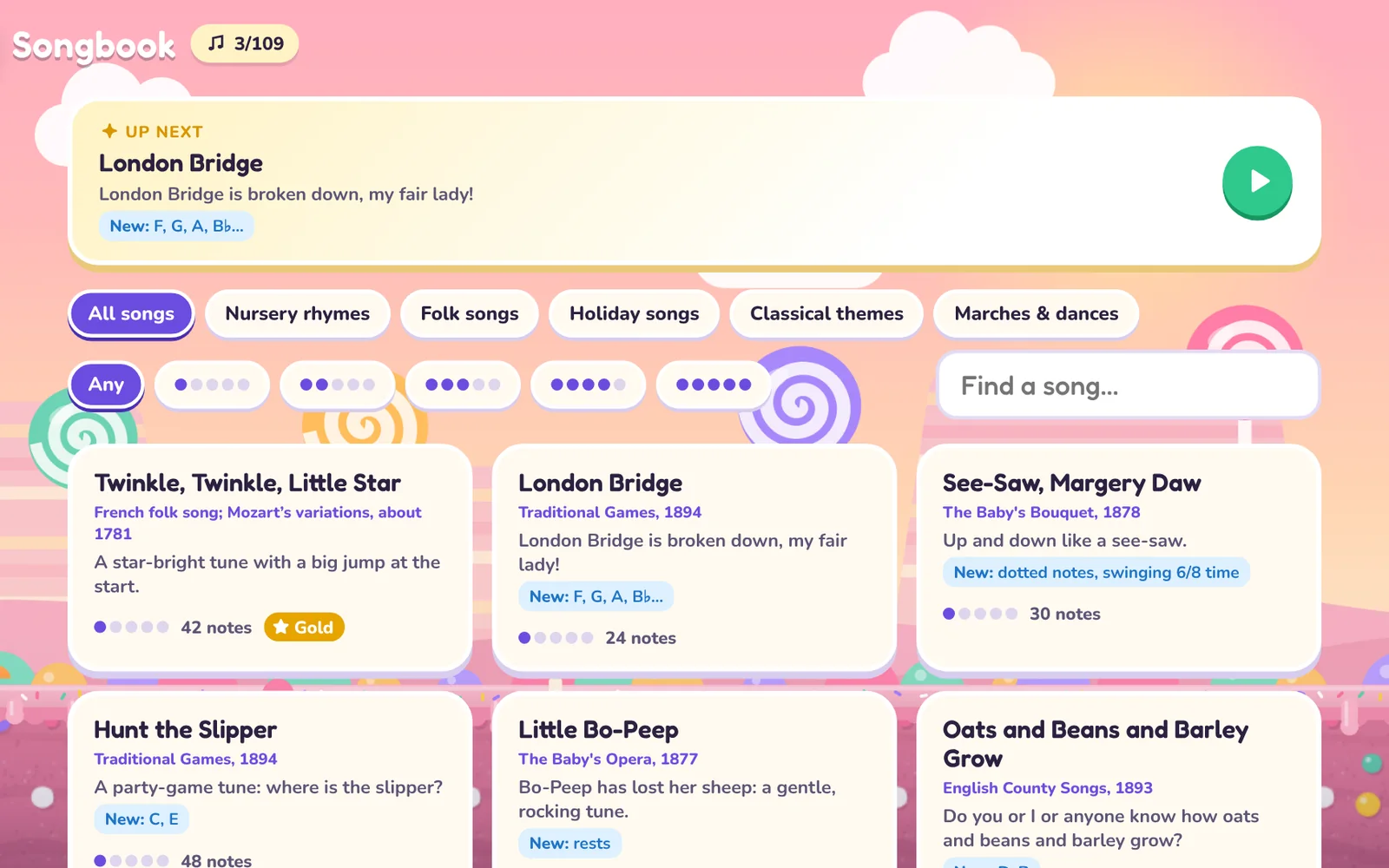
A Songbook of 109 songs
- Nursery rhymes, folk songs, holiday tunes, dances and classical themes, all public domain, on the real staff in the song’s own key.
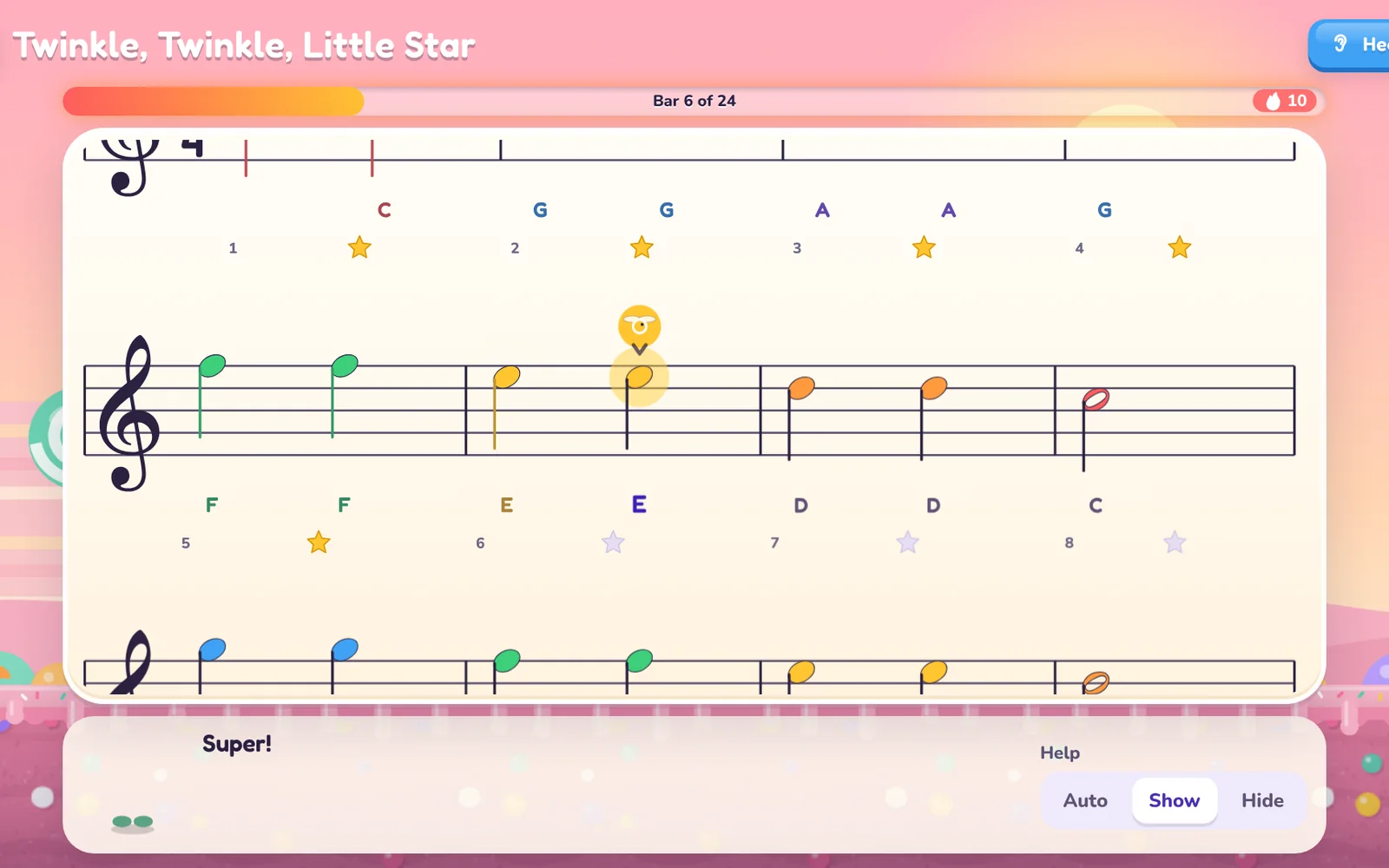
- A firefly marks the next note, and letter names fade as a note becomes familiar. Tap any bar to start there, or hear it played first.
- A medal for every bar and one for the whole song: bronze, silver, or gold when nearly every note is right the first time.
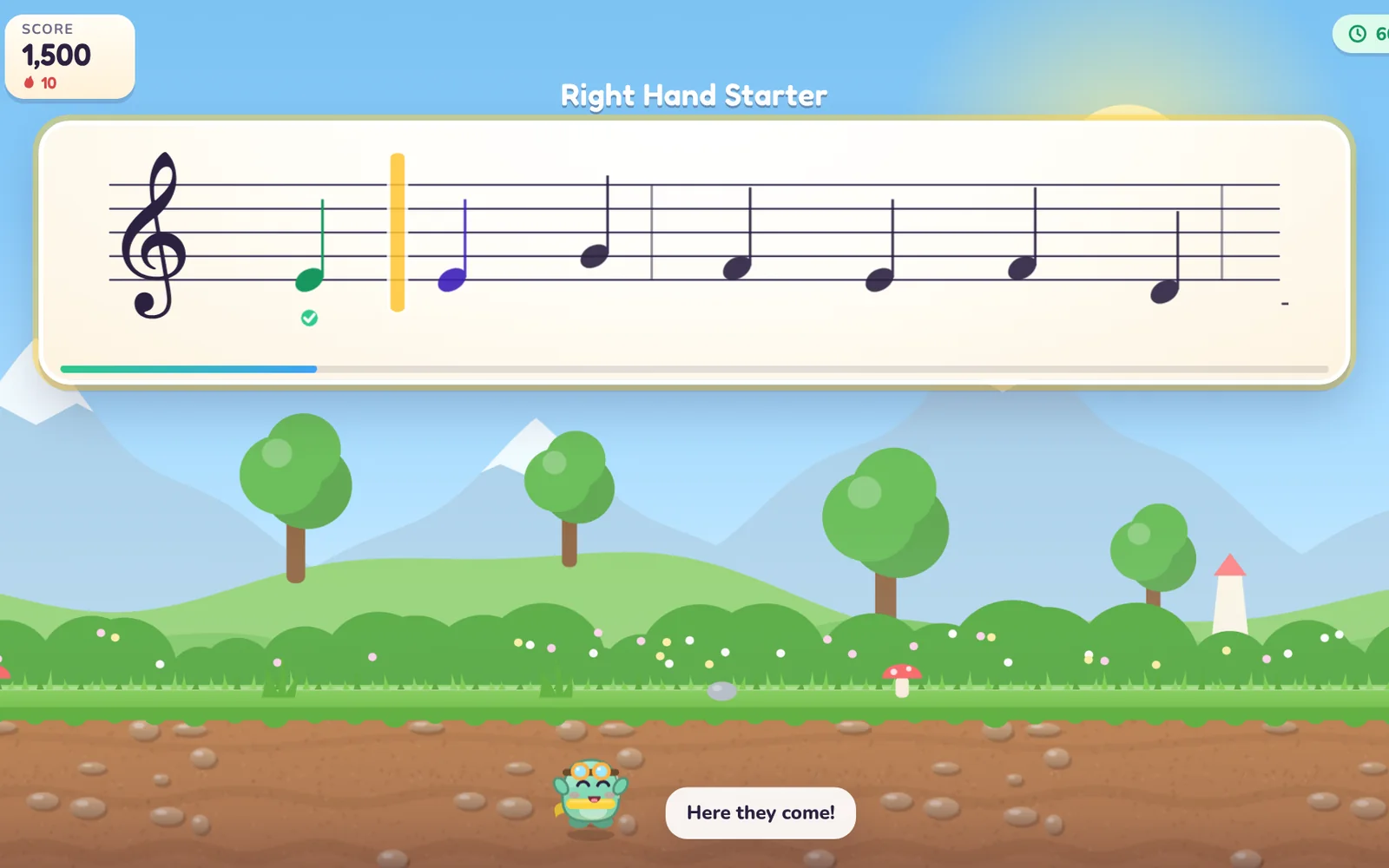
- Note Stream for older readers: notes scroll toward Pip at a steady pace, from gentle to fast, and the pace eases if it gets hard.
How it teaches
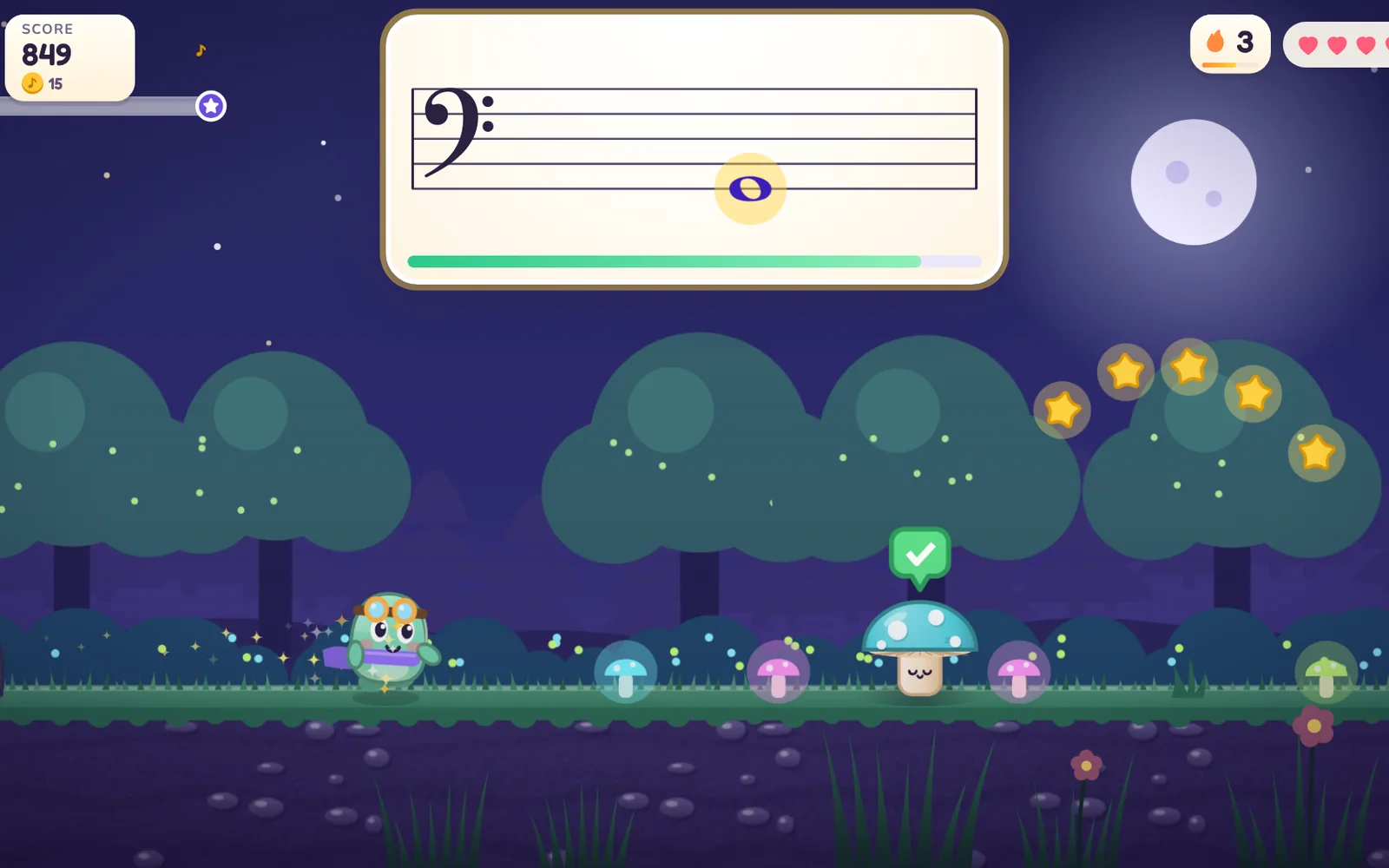
The piano, not a screen keyboard. The note is on the staff, the answer is played on the instrument, and the app hears it through the microphone or a USB cable. A one-minute placement check finds the starting level, and the first level walks through C, D and E before asking for anything.
Help that fades. Letter names and a keyboard diagram appear while a note is new and step back note by note as it becomes familiar. A wrong note is just a wrong note: Pip waits, and the right one gets the jump.
Worlds, not drills. Each level is two to four minutes and one small idea: a new note, a new clef, the first sharp. Stars, stickers, badges and hats and scarves for Pip are earned by playing. Nothing is bought, and nothing is random.
Made to be comfortable. Calm motion, no flashing, high contrast, bigger text and captions are in the settings, right and wrong are never shown by color alone, and the whole game works from the keyboard.
Questions
Do we need a real piano?
Any acoustic or digital piano or keyboard works, heard through the device’s microphone. A keyboard with USB connects directly in Chrome or Edge. No piano nearby? The computer keyboard works as one too.
What does the microphone hear?
Pitch, on the device, to tell which note was played. Audio is never recorded or sent anywhere.
What can the scanner read?
Printed music with treble, bass or both staves, including key signatures, sharps and flats. It reads which notes to play, not how long to hold them, and it is tuned for clean, printed beginner pieces rather than handwriting. You check the notes before playing.
What devices?
A computer or tablet in a current browser, in landscape. USB MIDI needs Chrome or Edge.
Was this app called Keybound?
Yes. New name and new address; the old one still brings you here. Your children’s progress is all still there.
What parents see
In the app’s grown-ups area, behind your Cylin parent PIN: days practiced and time, a map of the keyboard colored by how well each note is known, each note’s accuracy and the notes it gets mixed up with, and every level, stream and song played.
In Cylin Hub, beside the other subjects: notes read on sight, this week’s reading accuracy, levels passed, the world and level being worked on, and the two or three notes worth a look.
 Cylin Hub
 Piano Practice
 Piano Sight Reading · Mia
- Reading accuracy this week91%
- Levels passed9 of 24
- Working onCloud Choir, level 2
Worth a look
Two apps, one piano
Piano Sight Reading teaches reading the notes on the staff. Piano Practice listens while your child practices and keeps an honest count of the time. One family account opens both.
- Piano Sight ReadingAges 6–12You’re here
 Piano PracticeAges 5–14